Backup Google Drive Folders
as Encrypted ZIPs
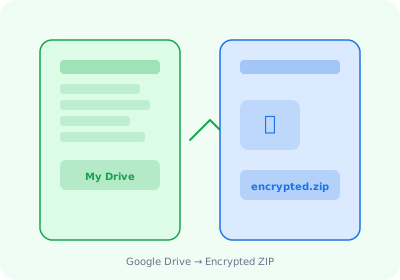
Create AES-256 encrypted backups of your Google Drive folders. All processing happens locally in your browser — nothing is uploaded to any server.
Why AstoundDrive for Google Drive Backups?
AES-256 Encryption
Every backup is encrypted with AES-256 before being saved to your device. Your password never leaves your browser.
SHA-256 Checksums
Verify your backups are complete and uncorrupted with cryptographic file integrity hashes on every download.
Full Folder Structure
Recursively backs up entire folder trees up to 20 levels deep. Every subfolder and file is preserved exactly as organized.
Google Workspace Export
Google Docs, Sheets, and Slides are automatically exported to .docx, .xlsx, and .pptx inside your backup ZIP.
How It Works
Install the free Chrome extension
Add AstoundDrive from the Chrome Web Store. No account needed.
Select folders to backup
Right-click any folder in Google Drive and click "Download ZIP."
Set a password and download
Your encrypted backup is saved locally. Store it on an external drive, NAS, or any secure location.
Start Backing Up Your Google Drive Today
Free, encrypted, local backups. No cloud uploads, no third-party servers.
Install AstoundDrive — Free