Encrypt Google Drive Files
Before Downloading
Download Google Drive folders as AES-256 password-protected ZIP files. All encryption happens locally in your browser — your password never leaves your device.
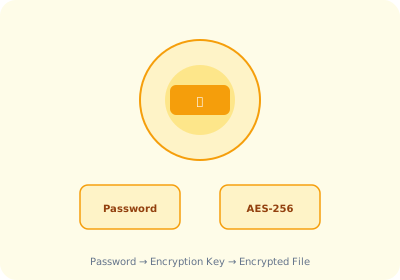
How AstoundDrive Encrypts Your Files
AES-256 Encryption Standard
AstoundDrive uses AES-256 — the same encryption standard used by governments, banks, and military organizations worldwide. This is not a simple password lock; your file contents are mathematically scrambled using your password as the encryption key.
100% Local Processing
Encryption happens entirely within your browser using the Web Crypto API. Your password and file contents never leave your device. No data is transmitted to any external server — not even AstoundDrive's own servers.
Password Strength Feedback
AstoundDrive includes a built-in password strength meter that evaluates your password in real-time. This helps you choose a strong password that will withstand brute-force attacks.
Security Guarantees
Encrypt Your Google Drive Downloads
Free Chrome extension. AES-256 encryption. 100% local.
Install AstoundDrive — Free