Export Google Workspace Files
from Google Drive
Automatically convert Google Docs, Sheets, Slides, and Drawings to standard file formats inside an AES-256 encrypted ZIP. No manual export needed.
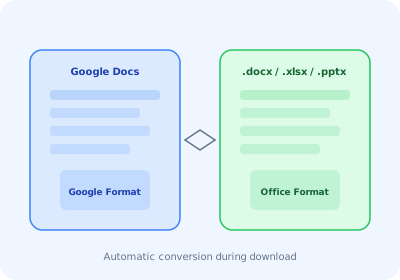
Supported File Conversions
Google Docs
Converted to .docx (Microsoft Word format). Compatible with Word, LibreOffice, and all major word processors.
Google Sheets
Converted to .xlsx (Microsoft Excel format). Preserves formulas, formatting, and data.
Google Slides
Converted to .pptx (Microsoft PowerPoint format). All slides and layouts preserved.
Google Drawings
Converted to .png (image format). High-quality raster export of your drawings.
How It Works
Download any Google Drive folder
Right-click a folder and click "Download ZIP." AstoundDrive scans all files including Google Workspace documents.
Automatic format conversion
Google Workspace files are automatically exported to their corresponding Microsoft Office formats using Google's export API.
Encrypted ZIP with everything inside
All files — both regular and converted Workspace files — are packaged into a single AES-256 encrypted ZIP with full folder structure preserved.
Export Google Workspace Files Automatically
Docs to .docx, Sheets to .xlsx, Slides to .pptx — all inside encrypted ZIPs.
Install AstoundDrive — Free